Animatronic Nights Scripts
Community loadstrings, feature breakdowns, and account safety warnings for informational use only.
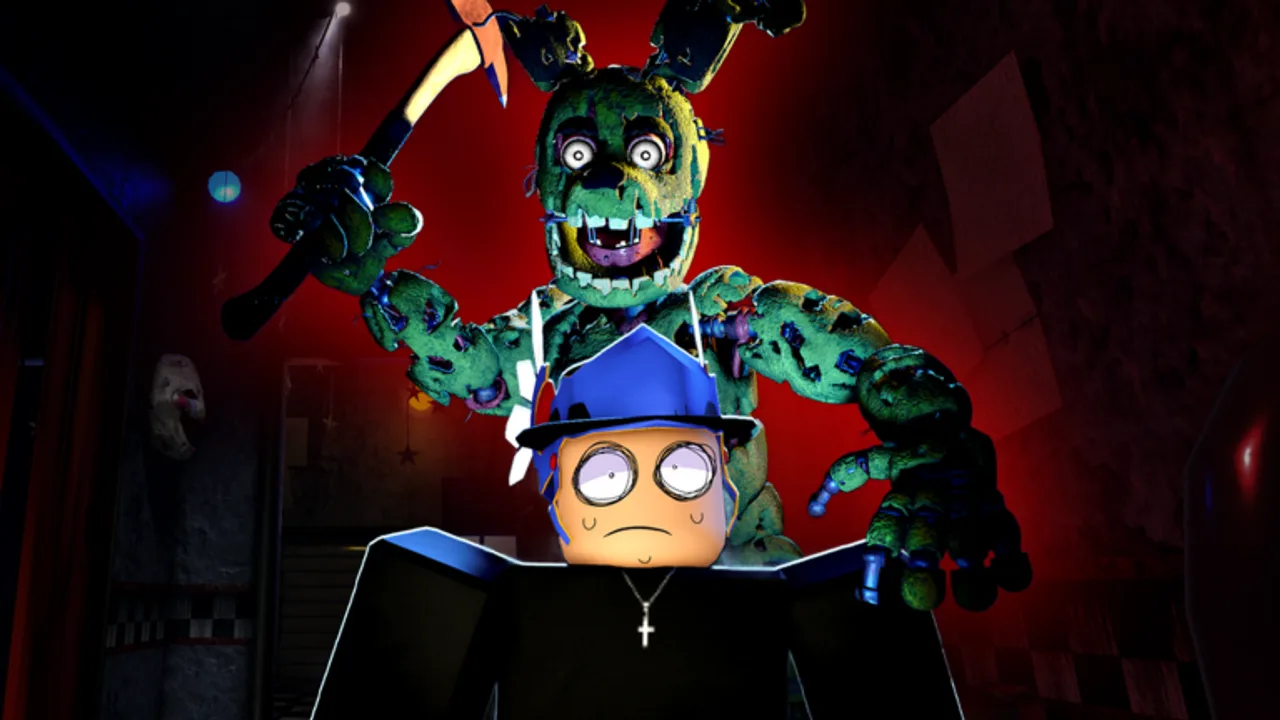
Animatronic Nights is a PlayBox! asymmetrical Roblox horror game where Night Guards survive against player-controlled animatronics. Some players search for third-party scripts — Lua loadstrings run through external executors — to gain ESP, name tags, or other advantages. This hub documents what those scripts claim to do, how they are typically loaded, and why using them can end your Roblox account or compromise your device.
This wiki does not create, host, or endorse exploits. We publish notes so you understand risks before anyone asks you to paste a random string into an executor. Legitimate progression flows through matches, promo codes, and guides like Getting Started. If you only want fair tips, skip scripts entirely and read Survivor Tips or the Killer Guide instead.
What players mean by “Animatronic Nights scripts”
In Roblox exploit culture, a “script” usually means a .lua file or remote loadstring fetched over HTTP, injected through a script executor (a modified client). Common feature requests for horror asymmetrical games include:
- Player ESP — boxes, tracers, or name tags showing survivor or killer positions through walls
- Universal ESP — the same overlay logic repackaged to work across multiple experiences
- Movement or stat cheats — speed, fly, infinite stamina (less common in curated lists for this title)
None of these features exist in the official Animatronic Nights client. PlayBox! balances around information denial — killers pressure with sound and sight; survivors win by breaking line of sight. ESP removes that tension and violates Roblox Terms of Service.
Documented loadstrings (informational)
Community repositories circulate loadstrings that call game:HttpGet() against raw paste hosts. Two frequently copied examples target Animatronic Nights specifically:
Player ESP / name tags style
loadstring(game:HttpGet("https://rawscripts.net/raw/Animatronic-Nights-Script-pra-ver-jogador-update-com-o-nome-em-cima-74952"))()This style of script typically draws name tags or boxes above players so you can track Night Guards or animatronics through geometry. Descriptions often mention seeing usernames “on top” of characters during chases. Functionality varies by patch day — PlayBox! and Roblox anti-cheat updates can break remote scripts without warning.
Universal ESP style
loadstring(game:HttpGet("https://rawscripts.net/raw/Animatronic-Nights-Script-pra-ver-jogoado-em-qualquer-jogo-74951"))()Universal variants reuse similar ESP logic but advertise compatibility outside Animatronic Nights. That does not make them safer; it usually means broader detection surfaces and more frequent malware repacks shared under the same marketing title.
We do not verify that either string works, is malware-free, or remains online tomorrow. Treat every paste as untrusted code with full access to your session.
Risks you accept by running exploits
- Account termination — Roblox explicitly bans modified clients, injectors, and unfair advantages. Losing years of inventory over a public-lobby ESP tag is a poor trade.
- Malware and credential theft — Loadstrings execute arbitrary Lua. Popular game names attract reskinned trojans bundled with “free ESP.”
- No support from PlayBox! — Developers cannot debug exploit crashes, missing rewards, or false ban appeals tied to third-party tools.
- Community trust — Other players report suspicious behavior; reputation loss persists even if you avoid a ban.
If a friend sends a link promising “undetected UPD40 coins,” it is a scam. Real Coins arrive through the in-game gift menu documented on the Codes Hub.
Safer alternatives on this wiki
You can improve awareness without breaking ToS:
- Getting Started — learn role fundamentals and map flow
- Maps Guide — landmark callouts including Daycare Ruins from Update 40
- Controls — optimize legitimate camera and ability inputs
- Tier List — spend Coins on strong killers and survivor items instead of chasing cheats
- Codes Hub — redeem UPD40, 4TH26, SORRYMOON, and other active strings legally
For executor-specific steps — copying, attaching, and why we refuse to recommend brands — read How to Use Scripts. That page explains workflow without endorsing any exploit marketplace.
Patch cadence vs. script lifetime
Animatronic Nights receives numbered updates (currently Update 40 with the Sun item set and Daycare Ruins). Each patch can change player models, remote events, and anti-cheat heuristics. A script that worked before VHS trading or the 4th of July event may crash or flag accounts after a hotfix. Assume zero longevity when evaluating risk.
Reporting and staying legitimate
If you encounter hackers in matchmaking, use Roblox’s in-experience report tools and move servers. PlayBox! cannot police every public lobby instantly, but mass reports feed moderation pipelines.
This Scripts Hub exists for transparency, not promotion. Bookmark Guides and Tools for interactive helpers that stay inside the normal Roblox client.
Frequently Asked Questions
Quick answers to the most common questions.
Are Animatronic Nights scripts safe to use?
No. Third-party executors violate Roblox Terms of Service, risk permanent bans, and often distribute malware through loadstrings. This wiki lists them only for informational awareness.
What do ESP scripts do in Animatronic Nights?
They typically show player positions or name tags through walls, removing the information game killers and survivors rely on. That is considered cheating and is detectable.
Can scripts give free Coins or killers?
Legitimate Coins and unlocks come from matches, the Roblox group reward, and promo codes on the Codes Hub. Any script claiming currency generation is a scam.
Where do I learn the executor workflow without endorsements?
Read How to Use Scripts for a neutral explanation of how loadstrings are pasted, plus why we do not recommend specific executors or marketplaces.
What should I use instead of exploits?
Start with Getting Started, redeem active codes, read role guides, and use the wiki Tools section for codes copying and loadout checklists — all within the official client.